What Is BOPIS? A Guide to Buy Online, Pick Up In-Store
What is BOPIS? Learn what "buy online, pick up in-store" means, how it works step by step, its benefits and challenges, and how smart lockers make pickup faster.
BOPIS has quietly become one of the most-used ways people shop. You buy something on your phone during your commute, and instead of waiting days for it to arrive or paying for shipping, you swing by the store and pick it up on your way home. No aisles, no browsing, no checkout line - just grab and go.
This guide explains what BOPIS means, how it actually works behind the scenes, why both shoppers and retailers have embraced it, and where the traditional version starts to strain - plus how automated pickup lockers solve the parts that don't scale.
What does BOPIS mean?
BOPIS stands for buy online, pick up in-store. A customer places an order through a retailer's website or app, the store prepares it, and the customer collects it in person rather than having it shipped. It's the retail middle ground between full e-commerce delivery and walking into a store to shop from scratch: the convenience of ordering online, without the wait or cost of last-mile shipping.
BOPIS is sometimes written as "click and collect," and the two terms are used more or less interchangeably. The core idea is the same - the order is fulfilled from a physical location the customer travels to, instead of being couriered to their door.
BOPIS vs click and collect vs curbside pickup
These three terms overlap enough to cause confusion, so it's worth pinning down:
- BOPIS / click and collect - the umbrella idea: order online, collect from a physical location. "Click and collect" is the more common phrasing in the UK and Australia; "BOPIS" is more common in North American retail.
- Curbside pickup - a specific format of BOPIS where staff bring the order out to the customer's car, so they never leave the vehicle. Curbside is one way of doing BOPIS, not a separate thing.
- In-store counter pickup - the original format: the customer walks to a dedicated desk inside the store to collect.
The distinction that matters most for retailers isn't the label - it's how the handover happens: at a staffed counter, out at the curb, or from an automated locker the customer opens themselves. That last option is what most of this guide builds toward.
How does BOPIS work?
At a high level, every BOPIS order runs through the same loop, whether the handover is staffed or automated.
The customer journey, step by step
- Order and pickup selection - the customer orders online and chooses a pickup location, and often a time slot.
- Order confirmation - the system confirms the order and routes it to the chosen store.
- Picking and loading - staff pick and pack the items, then set the order aside for collection (on a shelf, at a counter, or loaded into an assigned locker).
- Ready-for-pickup notification - the customer gets a message telling them the order is ready, usually with a reference number or a PIN/QR code.
- Collection - the customer arrives and collects, verifying their identity or scanning their code.
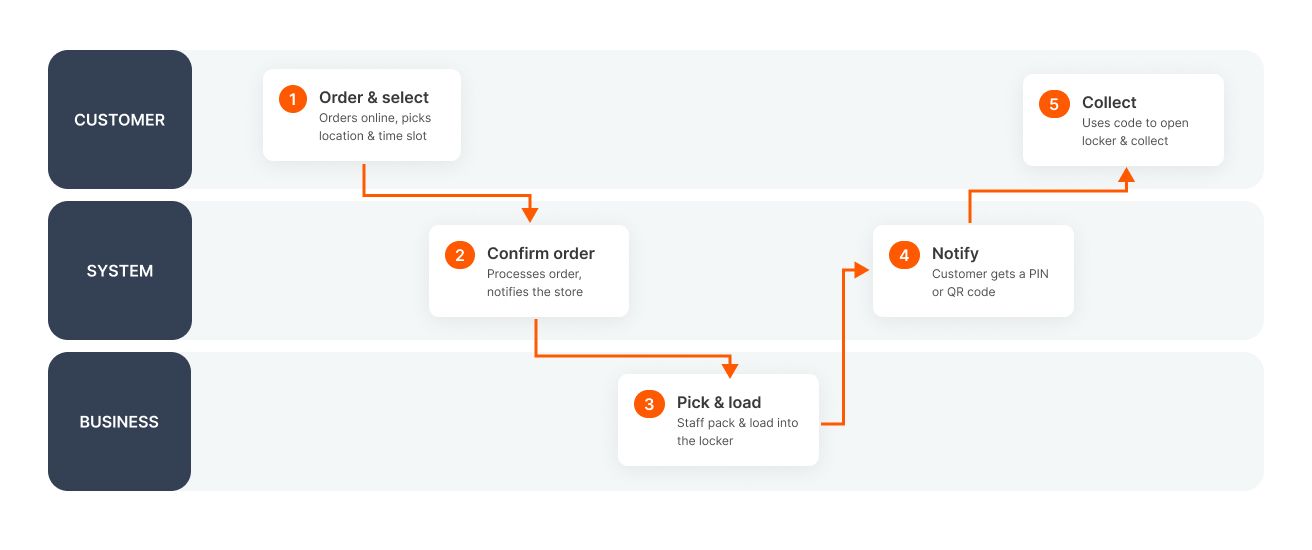
The friction in that loop lives almost entirely in steps 3 through 5 - how the order is stored, and how it's handed over. That's where the difference between a smooth BOPIS program and a chaotic one shows up.
What retailers need to offer BOPIS
To run BOPIS at all, a retailer needs a few things working together:
- Real-time inventory visibility - so the site only sells what's actually in that store.
- Order routing and tracking - a way to send each order to the right location and follow its status.
- A notification system - to tell customers when their order is ready to collect.
- A defined handover point - a counter, a curbside zone, or a bank of lockers.
Traditional programs bolt these onto existing staff and counter space. More automated programs add a dedicated pickup point - a bank of parcel lockers, the hardware that powers automated BOPIS - so the handover doesn't depend on someone being free at the exact moment the customer walks in.
Benefits of BOPIS for retailers
Lower shipping costs
Every BOPIS order is an order the retailer doesn't have to ship. Last-mile delivery is the single most expensive leg of e-commerce fulfillment, and shifting even a portion of orders to in-store pickup removes that cost entirely - while also cutting failed-delivery and redelivery expenses.
Increased in-store traffic and add-on sales
Getting a customer into the building is valuable in itself. Shoppers who come in to collect an online order frequently pick up something else while they're there, turning a zero-margin pickup into an incremental sale. BOPIS effectively uses the online order as a reason to generate foot traffic - something pure e-commerce delivery can never do.
Benefits of BOPIS for customers
For shoppers, the appeal is speed and control:
- No shipping fee - collection is free, so there's no delivery charge to weigh against the convenience.
- Faster than delivery - many BOPIS orders are ready within hours, so it often beats waiting several days for anything not needed immediately.
- No doorstep risk - nothing sits exposed on a porch waiting to be taken or weather-damaged.
- Pickup on their schedule - the customer chooses when to collect, instead of waiting home for a delivery window.
Challenges of traditional BOPIS pickup
The concept is simple; the execution is where traditional BOPIS runs into trouble. Almost all of it traces back to one thing: a staffed counter is a bottleneck.
Long lines and wait times
When pickup depends on a staff member retrieving an order and handing it over, pickup can only move as fast as staff availability allows. During busy periods - holidays, promotions, after-work rushes - the pickup counter develops the exact queue that BOPIS was supposed to eliminate. A customer who ordered ahead specifically to save time ends up waiting anyway.
Staffing and order mix-ups
Manual handover is labor-intensive and error-prone. Staff get pulled off the sales floor to run the pickup desk, orders get misfiled or handed to the wrong person, and there's rarely a clean audit trail of who collected what and when. Growing parcel volume also eats valuable in-store storage space. As BOPIS volume climbs, the manual model gets more expensive and more fragile exactly when it's under the most pressure.
How smart lockers improve the BOPIS experience
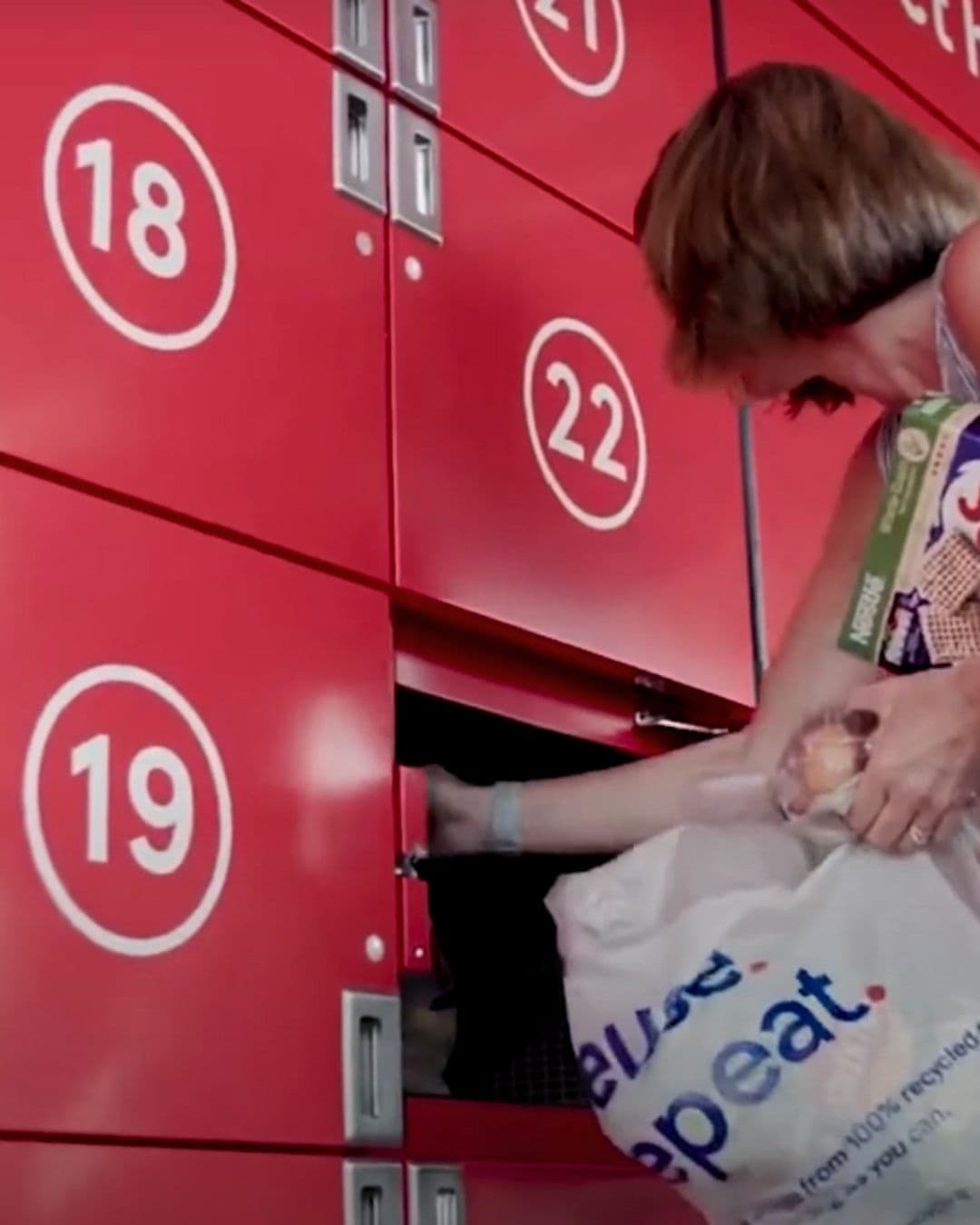
This is where automated pickup changes the math. Instead of storing orders behind a staffed counter, the retailer loads them into a bank of individually secured smart locker compartments. Staff load orders from inside the store; customers collect from the storefront on their own schedule, using a PIN or QR code - no staff member required at the moment of handover.
That single change addresses every one of the challenges above at once:
- No queues - collection is self-service and available whenever the customer arrives, including outside staffed hours, so the pickup-counter bottleneck disappears.
- Freed-up staff - associates load lockers in batches from the back instead of running one-off counter handovers, keeping them on higher-value work even during a rush.
- Fewer mix-ups - each order is assigned to a specific compartment and released only to the person with the matching code, giving a clean record of who collected what and when.
The bigger differentiator is whether it's one system or several stitched together. When the lockers, the software, and the monitoring all speak the same language, handovers become automatic and the reconciliation headaches disappear. That unified approach - flexible access methods (PIN, QR, RFID, biometric), real-time monitoring, and direct integration into existing POS, ERP, and order-management systems - is what separates a BOPIS program that scales from one that just about copes.
Lockers also aren't limited to pickup: the same compartments can handle returns (BORIS - buy online, return in-store), so the reverse-logistics side runs through the same automated point rather than back through the counter.
Tesco - one of the world's largest grocers, with over 7,000 stores across 11 countries - uses Click n Collect's mixed-temperature lockers (ambient, chilled, and frozen in a single bank) so a full grocery order, cold items included, can be collected from one automated pickup point. Read the Tesco case study.
BOPIS, PUDO, and the wider pickup picture
BOPIS is a retailer's own orders collected from its own location - a closed loop between one store and its customers. That's worth distinguishing from PUDO (pick-up, drop-off), which is a shared carrier network: many senders route parcels through the same third-party pickup points, and carriers drop in bulk rather than fulfilling a single retailer's order. Same locker hardware, in many cases - very different process behind it. See how BOPIS and PUDO compare if you're weighing which model fits your operation.
And underneath all of these formats - curbside, counter pickup, package rooms, PUDO points - sits the same enabling technology: the smart locker. BOPIS is the why; the smart locker is increasingly the how.
The quick comparison
| Format | Who owns the order | Handover point | Staff at handover? | Availability |
|---|---|---|---|---|
| BOPIS (counter) | Retailer | In-store desk | Yes | Staffed hours |
| Curbside | Retailer | Customer's car | Yes | Staffed hours |
| Package room | Building / retailer | Open shared room | No | Building access hours |
| BOPIS (locker) | Retailer | Assigned locker | No | 24/7 |
| PUDO | Carrier network | Shared network point | No | Access-window hours |
Ready to automate your BOPIS program?
If manual pickup is becoming the bottleneck, locker-based BOPIS is the fix. Click n Collect builds the hardware, software, and monitoring as one system - see the parcel lockers that power click-and-collect, explore how smart lockers work for retail, or browse the full range of locker solutions.
Streamline grocery pickups for everyone
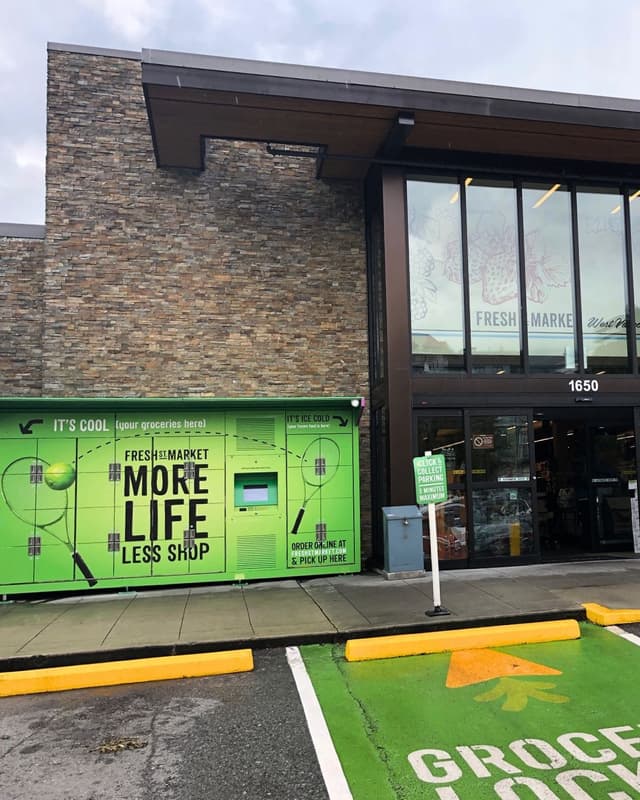
Our smart lockers take pressure off your team and make order collection fast, contactless, and frustration-free—for every shopper, every time.
Discover solutionYour comprehensive retail locker solution
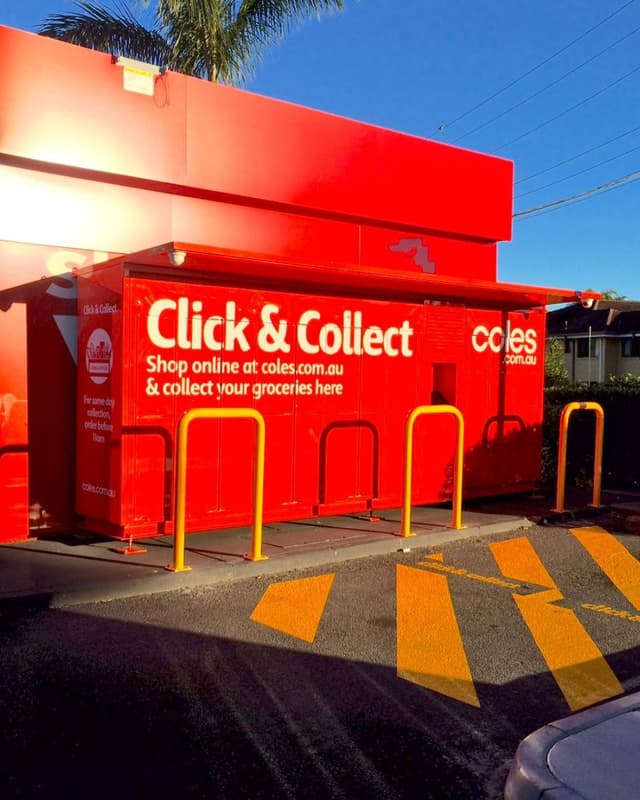
Discover fully customizable smart locker solutions that seamlessly integrate with your retail ecosystem for simplified, contactless user experiences.
Discover solution

Partnering for positive change
Click n Collect's food bank and community lockers are an effective solution for combating food insecurity and providing support to your neighbors in need.
Discover solution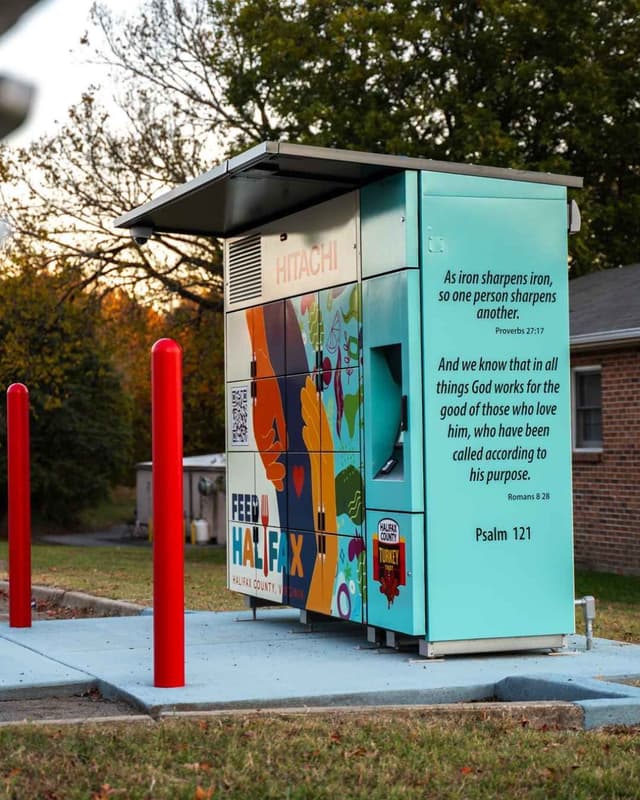
Interested in our solutions?
We're here to help you find the perfect solution for your organization. Share your details, and we'll be in touch shortly.

Click n Collect provides 24/7 global support, ensuring we're always there when our clients need us.
Customer support