What Is Smart Locker Technology? How It Works & Who It's For
What is a smart locker? See how the hardware and software work together, the types available, and who uses them — from BOPIS retailers to community food programs.
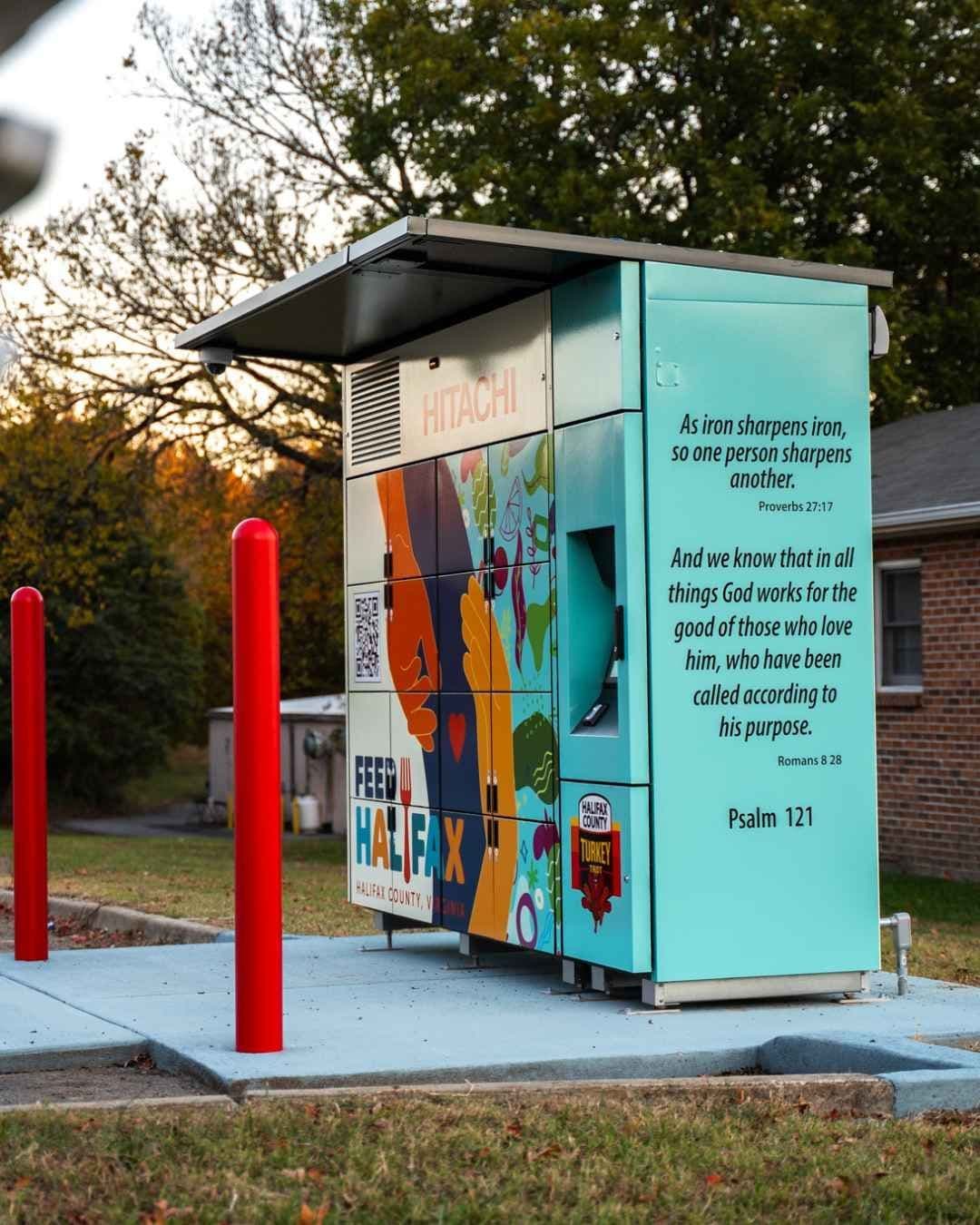
Smart lockers are quietly becoming the default way businesses hand off orders, deliveries, and everyday goods without a person standing on the other side of the counter. If you've picked up a curbside grocery order from a bank of numbered doors, grabbed a parcel from an apartment lobby kiosk, or collected food from a community pantry locker, you've already used one.
What is smart locker technology?
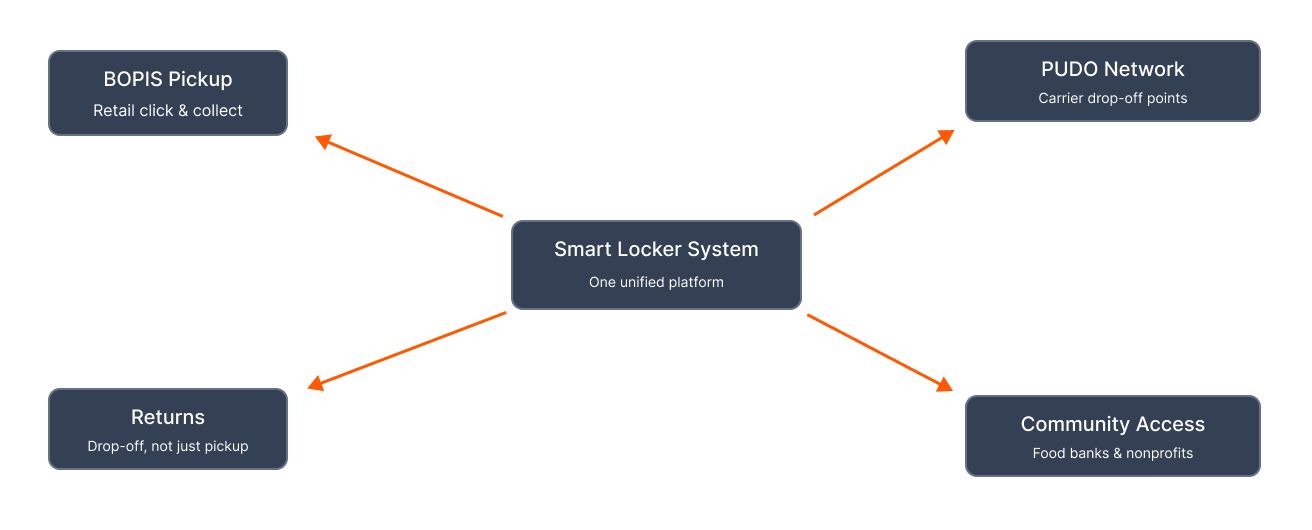
A smart locker is a bank of individually secured compartments, connected to software that assigns each compartment to a specific person, tracks what's inside it, and controls who can open it and when. The "smart" part is the software layer — it's what separates a smart locker from a plain bank of storage boxes. That software handles assignment (which compartment, for which order), access (PIN, QR code, RFID card, or biometric scan), and visibility (real-time status for both the person collecting and the business running the system).
In practice, that means a customer, resident, or courier never needs a staff member to hand something over. They get a notification, walk up, authenticate, and the right door opens — nothing else.
How smart lockers work
The hardware: compartments, sensors, and access points
At the hardware level, a smart locker bank is a set of individually lockable compartments — usually a mix of sizes — built into a single unit or wall. Sensors on each door report open/closed and locked/unlocked status back to the system in real time, so the software (and the business operating it) always knows what's actually happening at the locker, not just what should be happening. Access points vary by system:
- A touchscreen for PIN entry
- A camera or scanner for QR codes
- An RFID reader
- A biometric scanner
Units can be built for indoor or outdoor placement, and — where needed — compartments can be climate-controlled to hold refrigerated or frozen items alongside standard ambient ones.
The software: apps, notifications, and access codes
The software is what turns a bank of boxes into a functioning pickup point. When an order or delivery is loaded, the system assigns it to an available compartment of the right size and temperature, then sends the recipient a notification — usually a text or app alert — with a one-time PIN or QR code. On the operations side, the same software gives staff a live view of every compartment: what's loaded, how long it's been sitting, and which doors are free. The best systems also plug into the retailer's or organization's existing tools — POS, ERP, or order management software — so locker activity shows up automatically in the systems the team already uses, rather than living in a separate app nobody checks.
Types of smart lockers
Not every smart locker is built for the same job. The right type depends on what's being stored and who's collecting it.
- Parcel and delivery lockers — The most common format: individually secured compartments that hold packages until the recipient picks them up with a code. These are used both for a single retailer's own orders and as PUDO points — shared drop-off locations that carriers use instead of door-to-door delivery. See what a parcel locker is for a closer look at how the hardware itself works.
- Refrigerated and climate-controlled lockers — Compartments built to hold a set temperature — refrigerated, frozen, or both — so grocery and meal-kit orders stay fresh between drop-off and pickup. These are often combined with standard ambient compartments in the same unit, so a single order with mixed items only needs one locker bank, not several.
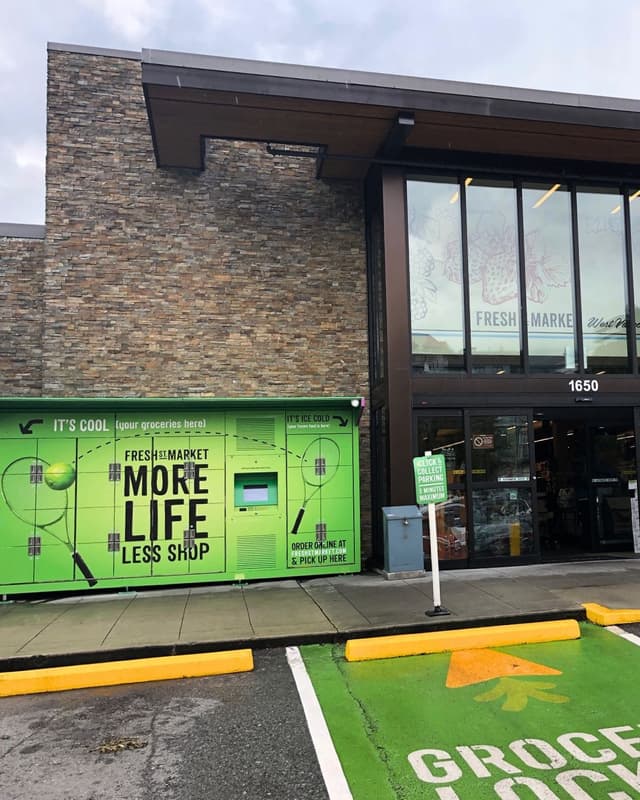
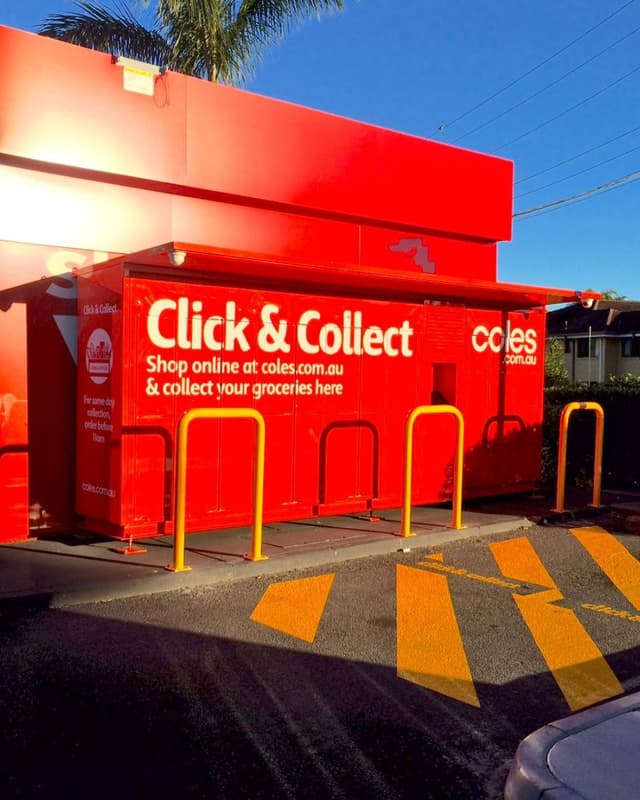
- Retail click and collect lockers — Built specifically to support BOPIS (buy online, pick up in store) programs — a customer orders online, staff load the order into an assigned locker, and the customer collects it on their own schedule instead of waiting at a counter.
Who uses smart locker technology?
- Multifamily and residential properties — Apartment buildings and residential communities use smart lockers to handle rising delivery volumes without a package room turning into a pile of boxes nobody can find. Compared to an open package room, a smart locker adds individual compartment security, pickup notifications, and an audit trail — the resident knows exactly which locker to open, and the property has a record of who collected what and when.
- Retailers and BOPIS programs — Retailers and grocers use smart lockers to automate the pickup side of BOPIS — cutting queues, freeing staff from handing off orders one at a time, and giving customers a pickup window that isn't limited to store hours.
- Universities and corporate mailrooms — Campuses and office buildings use smart lockers to manage high volumes of incoming mail and packages without a mailroom team physically sorting and handing off every item — students and employees collect on their own time, and mailroom staff spend less time on manual handoffs.
Benefits of smart locker technology
- Security and reduced package theft — Individual, locked compartments and one-time access codes mean only the intended recipient can open a given locker — a meaningful upgrade over an open shelf or an unattended doorstep, where theft, misdelivery, and disputes over "I never got it" are common.
- 24/7 self-service access — Because pickup doesn't require a staff member to be present, smart lockers can offer access well outside normal business or operating hours — a customer, resident, or courier collects whenever it suits them, not whenever someone's available to hand it over.
Beyond security and access, moving away from manual handovers tends to show up in a few other places worth knowing about: fewer staff hours spent on handoffs and queue management, streamlined returns (the same lockers that handle pickup can usually handle drop-off too), and systems that integrate with existing POS, ERP, or order management tools rather than running as a disconnected add-on.
How to choose the right smart locker system
Not all smart locker systems are built the same way, and the difference usually comes down to how the hardware and software work together. A few things worth checking before choosing a vendor:
- Is it one system, or several stitched together? Some vendors sell locker hardware and leave the software, monitoring, and integration work to you. Look for a system where the hardware, software, and real-time monitoring are built to work together from the start — it's the difference between an automatic handover and a manual reconciliation problem.
- Does it fit your environment? Indoor or outdoor, ambient, refrigerated, or frozen, one bay or a hundred — the system should scale to your actual footprint, not force you into a fixed configuration.
- What access methods does it support? PIN, QR, RFID, and biometric access all suit different audiences; a system limited to just one may not fit every use case you'll eventually need.
- What happens when something goes wrong? Ask about support hours, proactive maintenance, and installation — a locker bank that goes down during a rush with no one to call is a bigger cost than the hardware itself.
Related reading: what BOPIS is and how it works, what PUDO means for carrier pickup networks, what a parcel locker is at the hardware level, and what a package room is as the unattended alternative smart lockers replace.
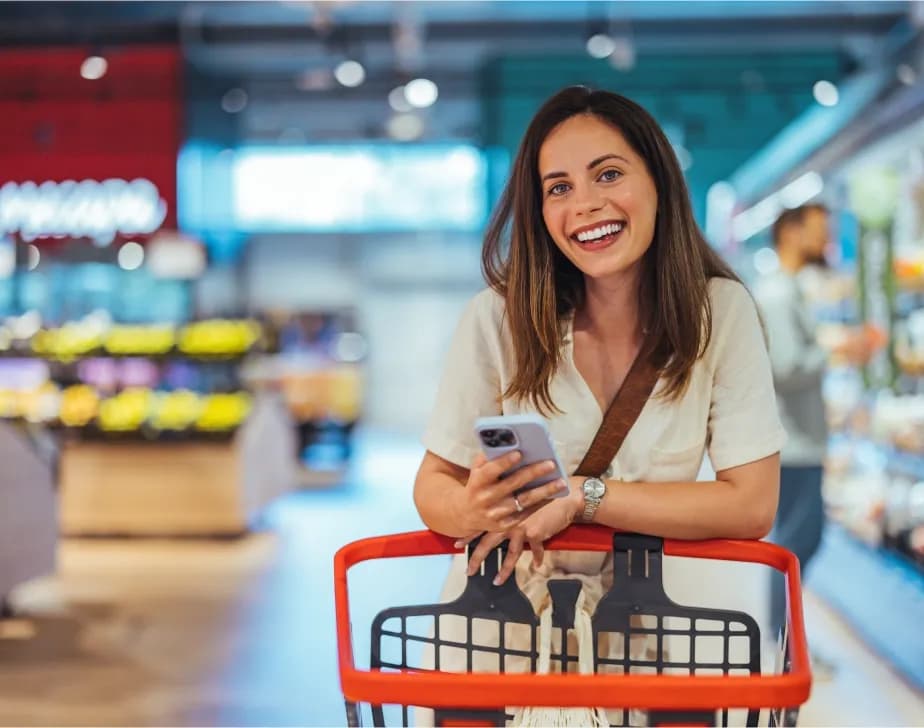
Streamline grocery pickups for everyone
Our smart lockers take pressure off your team and make order collection fast, contactless, and frustration-free—for every shopper, every time.
Discover solutionYour comprehensive retail locker solution
Discover fully customizable smart locker solutions that seamlessly integrate with your retail ecosystem for simplified, contactless user experiences.
Discover solution

Partnering for positive change
Click n Collect's food bank and community lockers are an effective solution for combating food insecurity and providing support to your neighbors in need.
Discover solution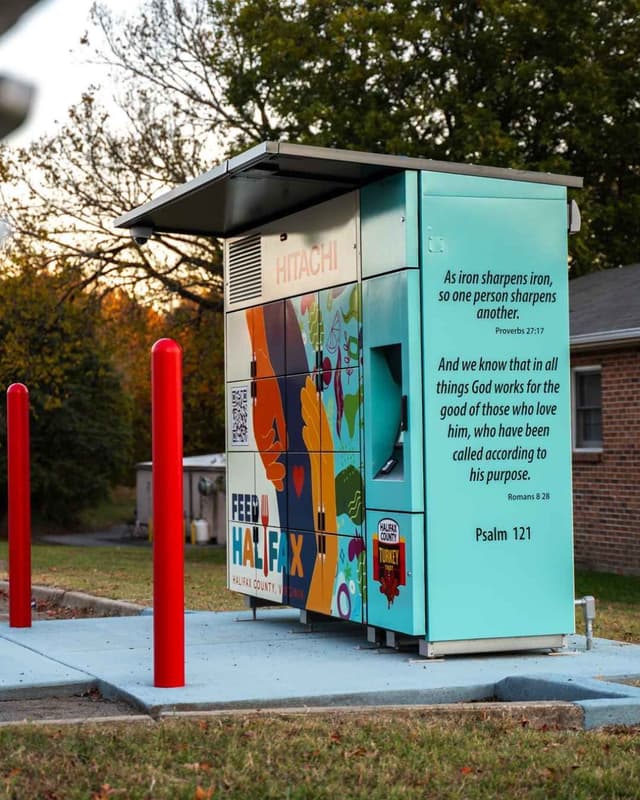
Interested in our solutions?
We're here to help you find the perfect solution for your organization. Share your details, and we'll be in touch shortly.

Click n Collect provides 24/7 global support, ensuring we're always there when our clients need us.
Customer support