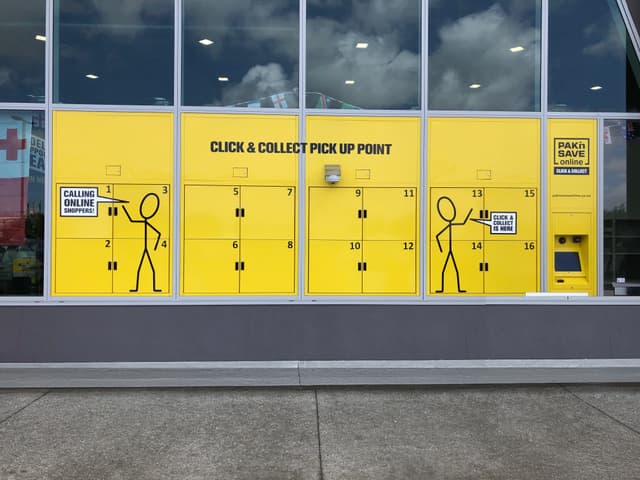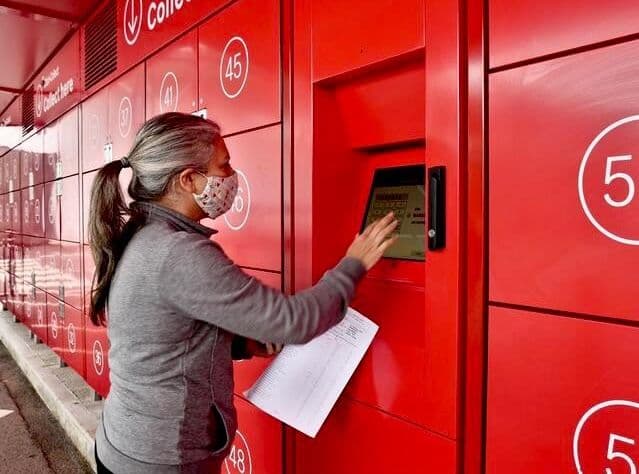
A simple guide to picking up your order from a Click n Collect locker.
Most people collect from a Click n Collect locker without needing any instructions. The screen guides you through each step, the interface is clear, and the system shows you exactly where to go.
Still, if it’s your first time using one — or if you support customers, students, or community clients who ask how it works — here’s what to expect.
Step 1 — Wait for your pickup notification
When your parcel is loaded, you’ll receive an SMS or email with a QR code or a PIN. This is your secure key to open the locker.
There’s no need to rush — your order stays safe in the locker until you arrive.
Step 2 — Go to the locker and start from the home screen
When you reach the locker, you’ll see two options on the screen:
- Scan to Start
- Enter PIN
There’s no menu to navigate and no extra buttons — the system is ready for you as soon as you walk up.
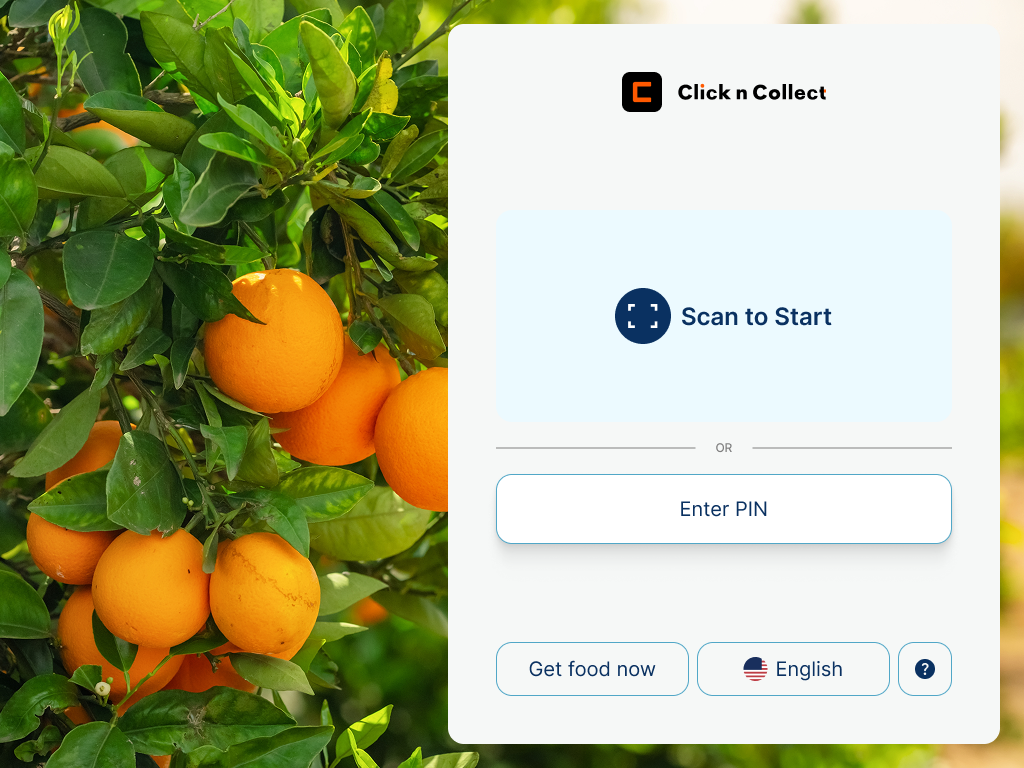
Step 3 — Scan your QR code or enter your PIN
Hold your phone up to the scanner to use your QR code, or tap your PIN into the keypad on screen. The system recognises your details instantly.
There’s nothing else to select — once your code is confirmed, the locker does the rest automatically.
Step 4 — Follow the screen and lights to the right door
After your code is accepted, the system will:
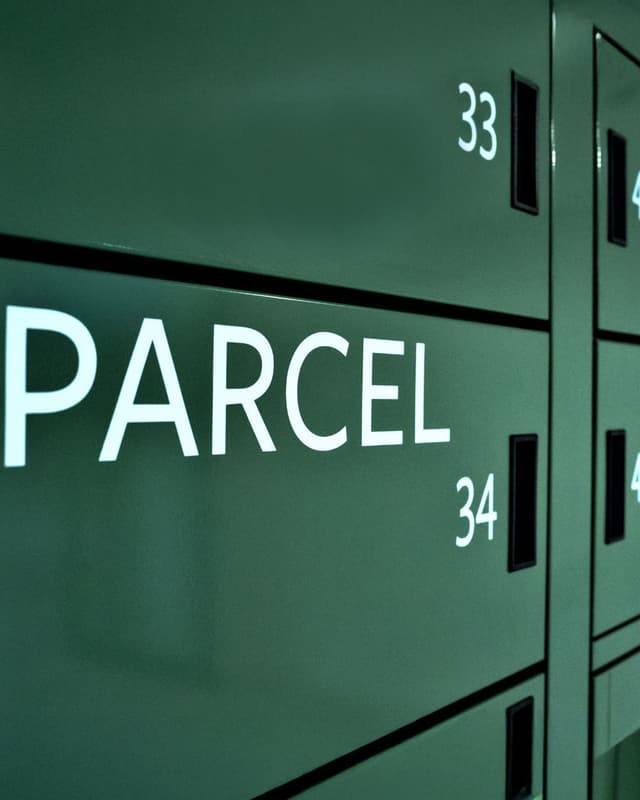
- Show your locker number on the screen
- Unlock the correct door for your order
- Highlight that door with a green LED light
- Play a soft sound or click as the latch releases
You don’t have to guess which locker is yours — the screen and lights guide you directly to it.
Step 5 — Collect your parcel and close the door
Open the unlocked door, take your parcel, and simply close the door behind you.
The system records the pickup automatically, and your collection is complete. For temperature-controlled orders, chilled and frozen items stay protected right up until you open the door.
A note for organisations using smart lockers
This simple flow — scan or PIN on the home screen, a clear on-screen prompt, and a door that lights up and unlocks — means customers and clients don’t need training to use your Click n Collect lockers.
For supermarkets, retailers, campuses, workplaces, and community food programs, this reduces pressure on staff while keeping pickup fast, private, and reliable.
If you also need help setting up your delivery details, we’ve created a companion guide on how to enter a parcel locker address , including how to format locker locations, IDs, and contact information correctly.